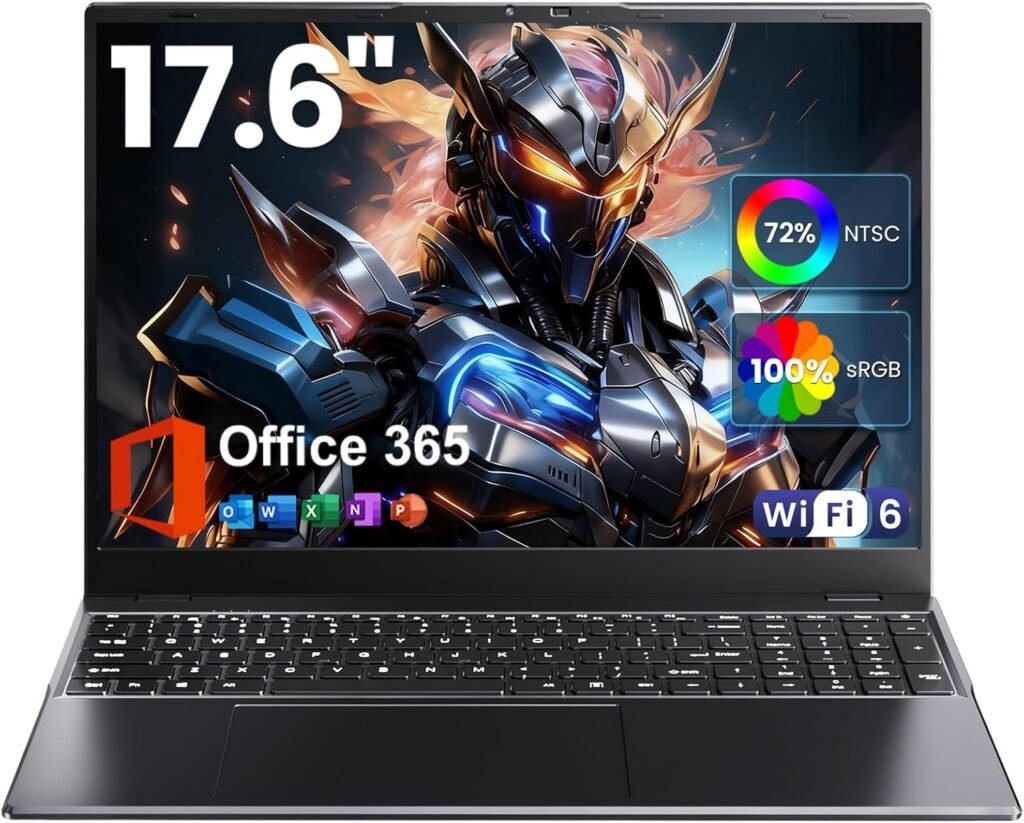
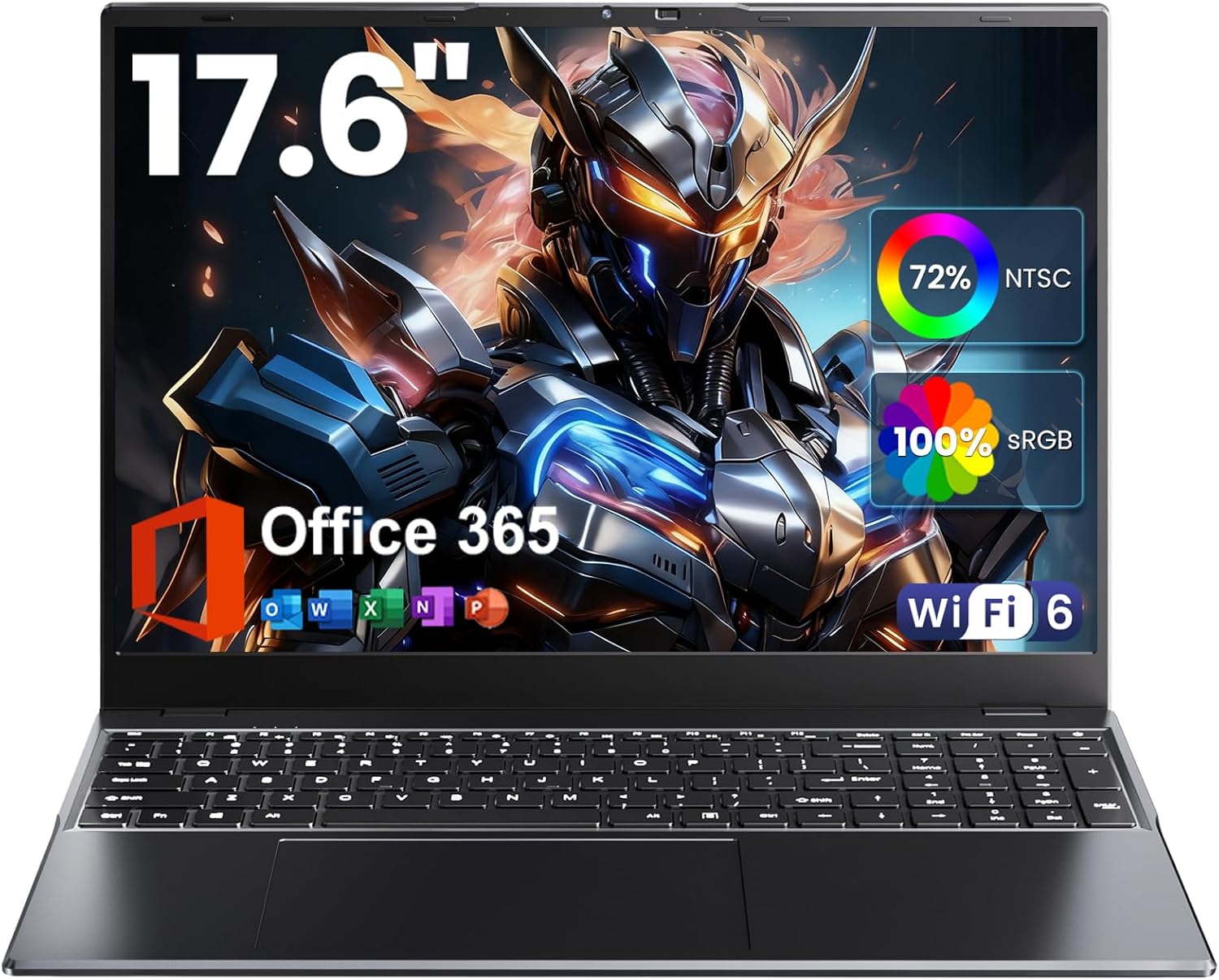
Laptop 17.6 inch Review 2025: 16GB DDR5, N95 CPU, 1920×1200 Display for Students and Business
Estimated reading time: 8 minutes
Key Takeaways
- Spacious 17.6 inch laptop with 1920×1200 resolution provides more vertical screen real estate for productivity.
- Powered by a low-power N95 CPU that outperforms the N5095 in single-thread tasks, ideal for everyday business and study workloads.
- Equipped with 16GB DDR5 RAM allowing smooth multitasking and browser management.
- Generous 640GB SSD storage ensures fast boot time and plenty space for documents and media.
- Connectivity includes WiFi 6 and Bluetooth 5.2 for modern networking and peripheral support.
- Backlit keyboard offers comfort and usability in dim environments; design balances portability with workspace comfort.
Table of contents
- Key Takeaways
- Quick Hook
- What Matters First
- Key Specs at a Glance
- Display and Design
- Performance in Real Tasks
- Thermals and Battery
- Ports and Connectivity
- Keyboard, Touchpad, and Webcam
- Software and Security
- Price versus Value
- Practical Tests to Run if You Inspect a Unit in Store
- Comparison Table
- Who Benefits Most
- Who Should Skip
- Alternatives to Consider
- Buying Checklist
- Common Objections and Counterpoints
- Maintenance Tips
- Final Takeaways
- Frequently Asked Questions
Quick hook
Are you looking for a large screen laptop with modern memory, solid storage, and Office 365 included? This 17.6 inch model promises a lot. The spec sheet lists 16GB DDR5 RAM, 640GB storage, an N95 CPU listed as beating N5095, a
1920×1200 panel with 100% sRGB, backlit keyboard, WiFi 6, Bluetooth 5.2. The price sits well below premium brand alternatives. That creates a clear question. Will this laptop handle your work, study, presentations, light editing, and streaming? This review tests the claims, highlights trade offs, and gives a practical buying guide for students and business users.
What matters first
Focus on these metrics when you evaluate a laptop for study or business.
- Processor performance, for multitasking, spreadsheets, and browser workloads.
- Memory type and size, DDR5 at 16GB supports smooth multitasking.
- Display fidelity, 1920×1200 and 100% sRGB imply accurate color for presentations and content review.
- Storage speed and capacity, 640GB is generous for documents, media, local apps.
- Connectivity, WiFi 6 and Bluetooth 5.2 improve network speed and wireless peripherals.
- Build and keyboard, a large chassis must remain portable and comfortable for long typing sessions.
Key specs at a glance
| Specification | Details |
|---|---|
| Screen | 17.6 inch, 1920×1200, 100% sRGB |
| Processor | N95 CPU, marketed as beating N5095 |
| Memory | 16GB DDR5 RAM |
| Storage | 640GB SSD |
| Keyboard | Backlit |
| Wireless | WiFi 6, Bluetooth 5.2 |
| Software | Office 365 included |
Display and design
The 17.6 inch panel uses 1920×1200 resolution. That gives extra vertical space. You get easier document layouts and reduced scrolling. The listing shows 100% sRGB. Expect accurate color for slides, images, and web content. The panel suits remote presentations and basic photo edits.
Design notes. A 17.6 inch chassis will weigh more than ultraportables. Expect reduced pocketability and higher transit weight. The larger footprint improves typing space and cooling. The backlit keyboard helps low light work. Ports look adequate for business peripherals. The hinge design favors stable viewing angles.
Performance in real tasks
The N95 CPU sits in the low power segment. It lists higher single thread clocks than N5095. That improves responsiveness during browsing and office tasks. Pairing with 16GB DDR5 reduces latency when you keep many browser tabs open and multiple apps in memory. The 640GB SSD cuts app load times versus older HDD models. For a comparable look at a similar CPU and its performance, see this 17.3-inch model with N95 CPU and 16GB RAM.
What to expect for common workflows
- Office work, spreadsheets, slides, email, and video calls will run smoothly.
- Web browsing, heavy browser tabs will stay responsive with 16GB DDR5.
- Media playback, streaming in 1080p uses minimal CPU, the screen helps with clarity.
- Photo edits, basic edits in Lightroom or Photoshop work, larger projects with many layers will slow down render times.
- Gaming, integrated graphics handle older games at low settings. Modern AAA titles will not reach high frame rates.
Thermals and battery
Large laptops have thermal headroom. Expect sustained performance under moderate load. Battery life depends on panel brightness, background apps, and power profile. With a 17.6 inch 1920×1200 screen, real world battery life will favor office tasks and video playback at moderate brightness. If long unplugged sessions are critical, check battery capacity in mAh or Wh on the product page and compare with known brands. For tips on testing battery and thermals in store, consider the practical tests used with similar models: this example.
Ports and connectivity
- WiFi 6 lowers latency on modern routers. Your file transfers and video calls improve on compatible networks.
- Bluetooth 5.2 supports stable connections with newer headphones and mice.
- Look for USB-A, USB-C, HDMI, and a card reader. A full set reduces the need for dongles during presentations.
Keyboard, touchpad, and webcam
The backlit keyboard suits evening study or late presentations. Key travel affects typing speed and fatigue. The larger chassis gives a wider palm rest and room for full size keys. The touchpad should accept multi finger gestures. Webcams on non-premium laptops offer acceptable video quality for calls. If high quality video matters, test the webcam in low light or plan a USB webcam upgrade.
Software and security
Office 365 arrives preinstalled. That reduces initial setup for students and business users. Check for bloatware. Remove unwanted apps to improve boot time. Look for Windows update settings and security options. Business users should confirm encryption options and BIOS password support before deployment. For insights on Office 365 efficiency and software tips, see details from the included package here.
Price versus value
This laptop positions itself as an affordable 17.6 inch option with modern memory and a large SSD. The trade off appears in processor class and brand support. If you prioritize raw CPU throughput for heavy editing or rendering, a higher tier CPU is needed. For document heavy workflows, grading, online learning, and presentations, the package offers strong value. Alternative options in other sizes and power classes can be found here comparing 14 inch ultrabooks and 15.6 inch creator laptops: compare models.
Practical tests to run if you inspect a unit in store
- Open 20 browser tabs and switch between them, note responsiveness.
- Run a 1080p video and observe frame drops and fan noise.
- Type for 10 minutes to assess keyboard comfort and heat at the palm rest.
- Check WiFi speed with a large file download on your router.
- Run storage benchmark apps to confirm SSD speeds align with NVMe performance.
Comparison table
| Model | CPU | RAM | Storage | Ideal for |
|---|---|---|---|---|
| 17.6 inch model (this listing) | N95 | 16GB DDR5 | 640GB SSD | Students, business, media playback, light editing |
| Compact 14 inch ultrabook | U series Intel | 8GB or 16GB | 256GB to 1TB | Travel, note taking, light office work |
| 15.6 inch creator laptop | H series Intel or Ryzen | 16GB to 32GB | 512GB to 2TB NVMe | Photo and video editing, heavy multitasking |
Who benefits most
- Students, those who need a large screen for readings, notes, and slide creation.
- Business users, who need Office 365, stable connectivity, and a full keyboard for reports.
- Remote workers, who prefer a roomy display for multitasking and shared screens during calls.
Who should skip
- Gamers expecting high frame rates in modern AAA titles.
- Professionals with heavy rendering pipelines or large video timelines.
- Users who prioritize the lightest carry weight for daily travel.
Alternatives to consider
- Look at branded 17.3 inch models from known OEMs if warranty support is a priority, such as this 17.3-inch N95 Intel laptop: see model
- Choose a 15.6 inch creator laptop if you need a stronger GPU or faster CPU for editing.
- Opt for a 14 inch ultrabook if battery life and portability top your list.
Buying checklist
- Verify processor model and compare single thread clock speeds with public benchmarks.
- Confirm RAM is DDR5 and whether it is soldered or user upgradeable.
- Check SSD type, NVMe preferred for faster transfer rates.
- Inspect hinge stability and build quality in person if possible.
- Test keyboard comfort for 10 minute typing sessions.
- Confirm return policy and warranty period on the Amazon page, here.
Quick link, view price and full specs on Amazon: View this 17.6 inch laptop on Amazon
Common objections and counterpoints
Objection, large laptops are bulky and not portable.
Counterpoint, a larger screen speeds document work and reduces external monitor reliance.
Objection, the N95 is not a high end CPU.
Counterpoint, most office workflows do not need H series processors.
Objection, brand support may lag.
Counterpoint, the included Office 365 and modern connectivity offer immediate productivity out of the box.
Maintenance tips
- Keep software updated and remove unwanted startup apps to maintain boot speed.
- Run storage health checks quarterly to prevent data loss.
- Use a cooling pad during long sessions to prolong thermal performance.
- Back up important files to cloud storage and an external drive.
Final takeaways
This 17.6 inch laptop fills a niche. It offers a large screen, modern DDR5 memory, generous SSD capacity, and current wireless standards. It fits students, business users, and remote workers who prioritize screen space and productivity apps. If raw CPU power for editing or high refresh gaming drives your decision, choose a different class of laptop. For a balanced mix of display, memory, and price, this listing deserves attention.
Frequently Asked Questions
Is the N95 CPU strong enough for business use?
Does this laptop come with Office 365 pre-installed?
How is the display quality of this 17.6 inch laptop?
Can this laptop handle gaming?
What connectivity options does it have?